It sure is bittersweet to be writing this final blog. That does not mean, of course, that I will stop blogging! As unbelievable as it sounds, I have found that I actually like blogging…who knew!? This journey has sure brought me to a point where I can now look back and reflect on everything I have learned these past 13 weeks. I’m not only talking about my personal growth but about the newfound knowledge I have about the digital world of the 21st Century. Was it a smooth journey? Of course not! It had many ups and downs, twists and turns…at one point I felt like I was being pulled in a million directions.
However, that did not stop me and as you can see by reading about my learning journey, I have learned so much and I am so proud of how far I have come. I’m still no expert, but I know now where to look and what to do if I get stuck or if a colleague needs help with something I am not familiar with. To make my reflection easier to follow, I will divide my final blog into three parts.
First, I will talk about the course, or my learning journey as I like to call it; second, I will talk about my Final Vision project, the ins and outs as well as the ups and downs. Finally, I will present to you the final product! I hope you get to enjoy going through it and learn how using digital tools can help us better prepare our students for the 21st Century Digital Learning Era.

Module 2, however, taught me that I do not need to be a master at everything, but rather a vessel of information. This means not only knowing how to work some programs but also being aware of where I could access what I need to help my colleagues and students. Thanks to LIBE 477 and my classmates, I have gathered so many great ideas that I will take with me for the future. And speaking of my classmates and professor, one of the things I realized on the second week was how important Professional Learning Networks are. Thanks to them, and other social networks like Facebook, Instagram and Twitter, I have been exposed to so many learning opportunities as well as apps and programs I was not aware of prior to this course. I have also learned that blogging is not as terrifying as I thought it would be…I actually quite enjoy it and have learned a lot from reading other blogs from my peers and other experts.
At the beginning, we were also asked to choose some key elements that we would be able to research and use for our final vision project. I decided to choose 7 at first:
media literacy,
transliteracy, connectivism,
constructivism, how to help others become
critical consumers, creating
choice boards, and how to create a
digital identity safely. Later on in the course however, I started to see how the terms were all connected in one way or another. My wishes for the end of the course have not changed, however, and I hope you can see how my final project shows that. If you recall, I wanted to be able to use media literacy and transliteracy to present equity, values, and culture amongst our staff and students. I want to help students become critical digital consumers and provide them with many tools to help them along the way. Finally, I wanted to feel more comfortable using various platforms to enhance learning and to keep students engaged and to be able to reach all our learners.
The Road Not Taken: The Teacher Becomes The Student
Going through the Inquiry-Based Learning process has sure helped me a lot. I have assigned projects in the past following the IBL model but that is completely different than experiencing it as a student. Let me explain with a simple analogy…reading a cake recipe to someone and watching them bake it is completely different than you baking the cake yourself. When you are an observer, you tend to see and process things in a different way than when you are an active participant. I can now appreciate better the learning journey my students go through and have learned other tools to help them be more successful.
One of the key points I learned happened during Module 4 and it had to do with being an advocate for my students when it came to equity. I have always been a strong advocate of treating everyone equally and trying to help others reach their full potential. However, I had never considered digital equity as being equally important. During the weekly discussion, one of my peers made a comment that stuck with me. She said that she had bought a subscription to an app only to later realize that the computers at her school could not download the program as they were not compatible. I had never thought about this being an issue and wrongly believed that everyone with a device had access to everything. I reflected on this for a few weeks and even looked back to when we were teaching online and realized that maybe some of the reasons why some of our families could not keep up with schooling was not only because they had no access to devices but also because even if they did, they might have not been able to download programs or open attachments due to compatibility issues. Miller and Bass say that “access to information is one of our top priorities when we lead through equity. This concept extends to databases, digital textbooks, ebooks, and so on.” (Miller & Bass 2019). Thanks to this course, I am now more aware of this issue and will make sure to always consider this when creating my lesson plans and library events.
During my research, I also came upon a teaching strategy which I was not very familiar with, but it has now made me reflect on how to become a better teacher and teacher-librarian. It is called “Universal Designed for Learning.” These are guidelines that can be “applied to any discipline or domain to ensure that all learners can access and participate in meaningful, challenging opportunities.” (CAST, 2012). These guidelines cover the why (engagement), what (representation) and how (explore action and expression) of learning. As equity was already on my mind, I had to explore it more and realized that I would like my project to follow the UDL guidelines. This became my new main Key Element. I realized that all my other elements fall under UDL. Transliteracy and Media Literacy help students reinforce their “ability to read, write and interact across a range of platforms, tools and media.” (Thomas, et al. 2007). By modeling how to properly use these digital tools and providing them with a safe space to explore, we are teaching our students how to think critically and become better digital citizens. These opportunities also help our students construct new knowledge and connect it with previous one (constructivism and connectivism.) And finally, by providing students with a vast range of learning opportunities and tools we are giving them the power to make choices in how they want to learn and keep them engage (Choice boards).
Below is a table that summarizes the UDL guidelines, it will also help you understand how all my key terms fall under this one category.
So where does all this newfound knowledge leave me? To the creation of my final vision project of course!
Part 2: Final Vision Project
I’m the kind of person who likes to make a choice, stick to it, plan and execute. It has always been a comfort to me to know what to expect and where to go from there. I’m a planner by nature so naturally, I had decided that I was going to do a choice board for my final project. Funny how IBL can (in my case without knowing it at first) lead you through many paths before reaching your final destination. As I was researching the ins and outs of choice boards, I came across a program called
Book Creator. Intrigued, I started looking at it and immediately fell in love with it. This program offers so many different features that would help me make my project accessible to all learners. I quickly changed my idea and decided to create an interactive notebook (Virtual Library) for our upcoming
Reading Link Challenge at the library.
I wanted to give all my students equal opportunity to participate. In previous years, it has been the strong readers who make up the biggest percentage of our participants and I wanted to change that. I want our ELL students, our reluctant readers, our strong readers, our shy students and their caregivers to want to take part in the challenge. With all that in mind, I got to work.
I first created an introductory video that I will use to promote the challenge. I will be showing it to staff during this month’s staff meeting and will then show it to all grade 4-5 classes during their library time. This will be a great way to create an atmosphere of excitement in our school! The introductory video was done with a program called
Doodly. I chose it because you can watch the video from any device, from your phone to a computer or tablet. I can also upload the video to our school website, our PAC Facebook page and it can even be sent in our weekly announcements to parents. It wasn’t easy at first as I kept having problems with audio, but I was able to resolve them by watching tutorial videos and asking a colleague who had used the program before.
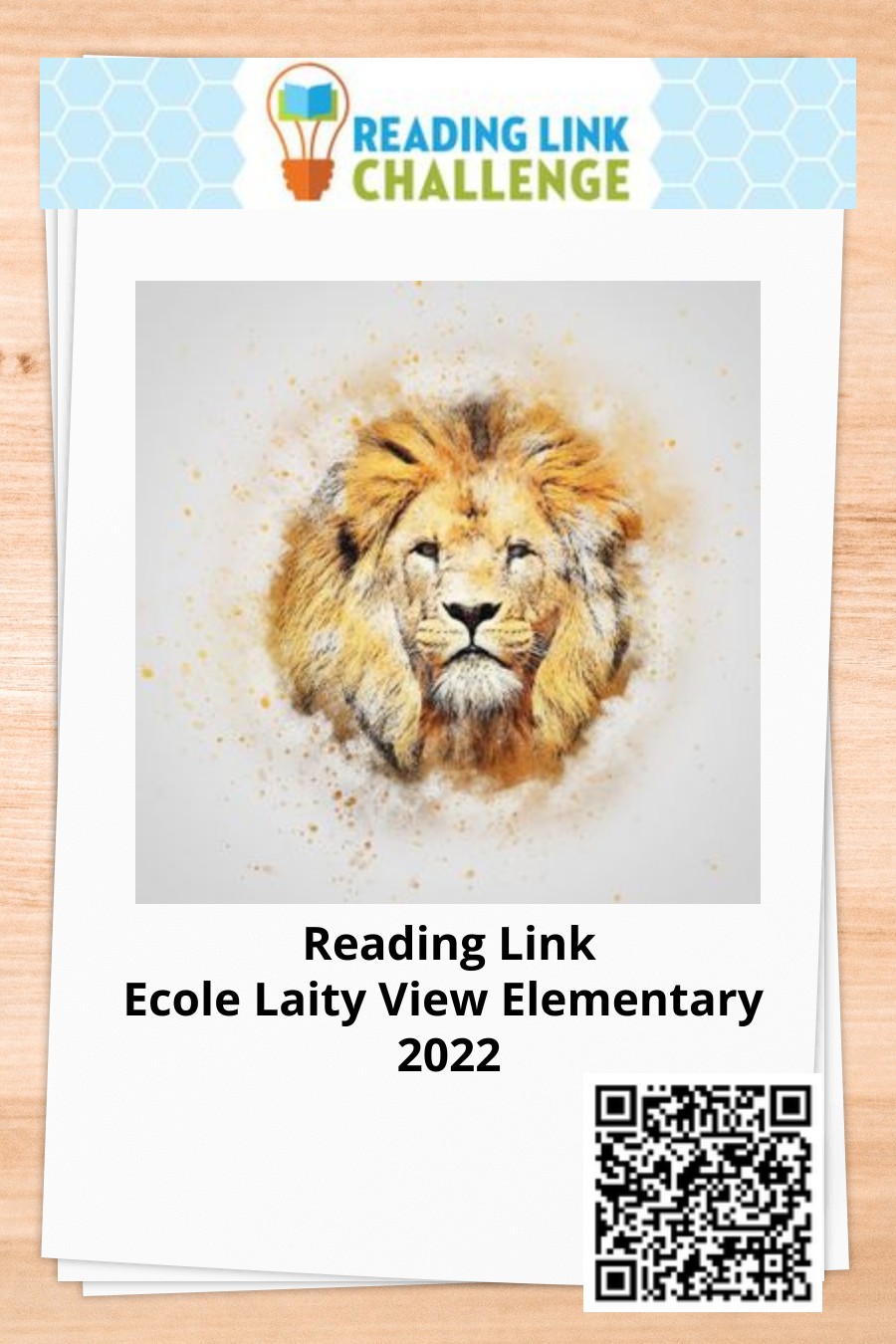
I will print out and photocopy the front page of our virtual book and will give it to all participants with instructions on how to access the virtual book. The front page also has a QR code which I will use to tape around the windows at school so parents can scan it and look at it while waiting to pick up their kids.
I have also created book trailers for all 6 participating books. This is where I encountered my second problem. I was so excited to create the trailers using
iMovie (another great program I just mastered thanks to our professor) but then I remember that iMovie works best with Mac/Apple devices and that not all families have access to one of those, even at school we have a laptop cart for grade 4-5s as the Ipad cart mostly goes to the 6-7 classes, so I had to see if I could find another program that could also be used to provide equal opportunities to all participants and their families. I found
FlexClip after careful research. This program is SaaS (software as a service) compatible, like “Netflix”, so it can be accessed with any device. I used both iMovie and FlexClip to create the trailers. I have to say that it was a bit more challenging to learn to use FlexClip; however, once you get the hang of it, you can easily make videos in minutes (like with iMovie.) You can watch all those videos in my final project.
I also created pages for all 6 books where students can enter their trivia questions during our weekly meetings. What I like about Book Creator is that it has a feature where you can collaborate online. This means that all groups will be able to see the questions live as they are being entered. They can also edit and add more if they wish. What I like about this feature too is that I can turn it on and off as I see fit, that way we will only add our questions during our meetings. This also will create a safe space for students to participate and help each other.
As part of my plan to making this challenge accessible for everyone, I have also added access to many formats of the titles. Audiobooks and read alouds can help our reluctant readers and ELL readers feel more confident in participating as they can also listen to the stories to make it less stressful for them in regards to having to read a book a week. Most RLC titles are also available through the CELA (Centre for Equitable Library Access) and NNELS (National Network for Equitable Library Service). These services provide free accessible formats (electronic publications, downloadable audiobooks, braille, dyslexic friendly fonts, etc.) to anyone with a print disability. I have added links to each book as well to make it easier for families to access them. All they need is their public library card and pin number. I can already see this as a bit of a set back to some families as they might not have a library card; however, I will make sure to let them know that if they do not have a PL card, that I can help them by providing them with information on what to do and where to go to get one.
The virtual notebook also has an extended bibliography at the back containing links to all the apps and programs I used for this project as well as links to each participating book. Furthermore, I have also added a bibliography with textbooks and journals at the bottom of this post in case any of my colleagues would like to learn more about these programs on their own.
I’m really excited to share my project and to see it in action with my students. This is only the beginning as I would like to continue creating virtual books for many of my future literacy programs at the library and in my classroom. This project is also a baseline of what I plan to do for future Bookfest and RLC events as well as for novel studies and author visits. As I type this, there is already something in the works with my grade ½ class using Book Creator, where we will create an informational text on ants for our Ant Unit. I am also excited to teach my colleagues how to use these programs!
Thanks to this course, I am now more tech savvy and confident and have a personal ICT plan of action as well as ideas on how I can help my colleagues. Most importantly, I have learned that it’s ok to not be perfect at everything, and that as long as I have the desire to learn and teach others, everything else will fall into place! It sure takes a village to raise our future generations and I am proud to be part of a vast network of educators who are passionate about that!
Part 3: The Final Product
Without further ado, I present to you my Final Vision Project, just click on the picture of the cover to access it. Have fun exploring and let me know what you think!
Special thanks to all my class peers, professor, family, and colleagues for always pushing me to expand my boundaries, teaching me new things, and for having faith in me.
Until next time…
The Duchess of Bookington
Bibliography:
Doodly - Whiteboard Animation Software (Create whiteboard, blackboard, & glassboard videos!). (2020). Doodly.com.
https://www.doodly.com/
Mattson, K. (2017). Digital citizenship in action : empowering students to engage in online communities. International Society For Technology In Education.
Miller, S., & Bass, W. L. (2019). Leading from the library : help your school community thrive in the digital age. International Society For Technology In Education.
National Network for Equitable Library Service (NNELS). (n.d.). Nnels.ca. Retrieved April 3, 2022, from
https://nnels.ca/
Ribble, M. (2015). Digital citizenship in schools : nine elements all students should know. Eugene, Oregon International Society For Technology In Education.


